 Mausmeter · app for the Mac
Your mouse travels every day.
Mausmeter measures how far.
Mausmeter measures how far your mouse travels every day, in meters. Clicks, scrolling and keystrokes are counted along the way, right in your menu bar.
Version 1.0.0 · 04.09.2026
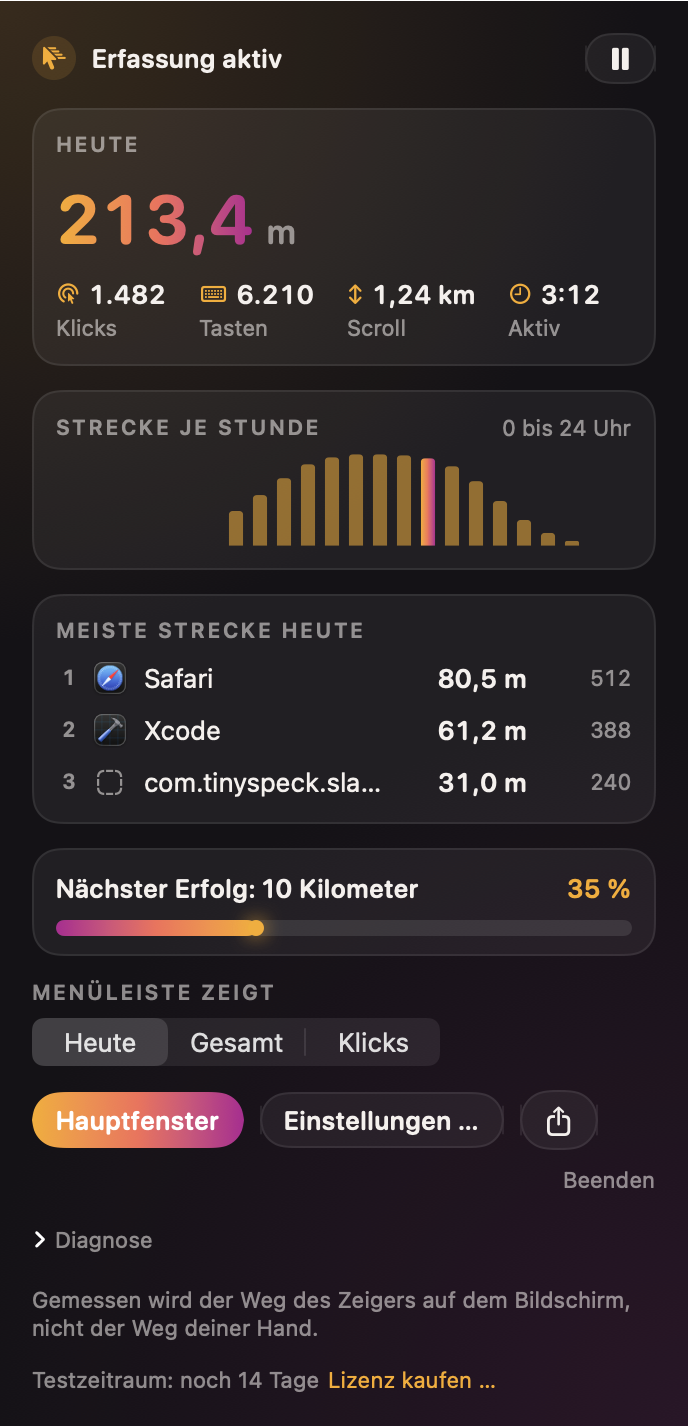
Mausmeter in real life
Every window shown in dark appearance, just like the menu bar app looks.
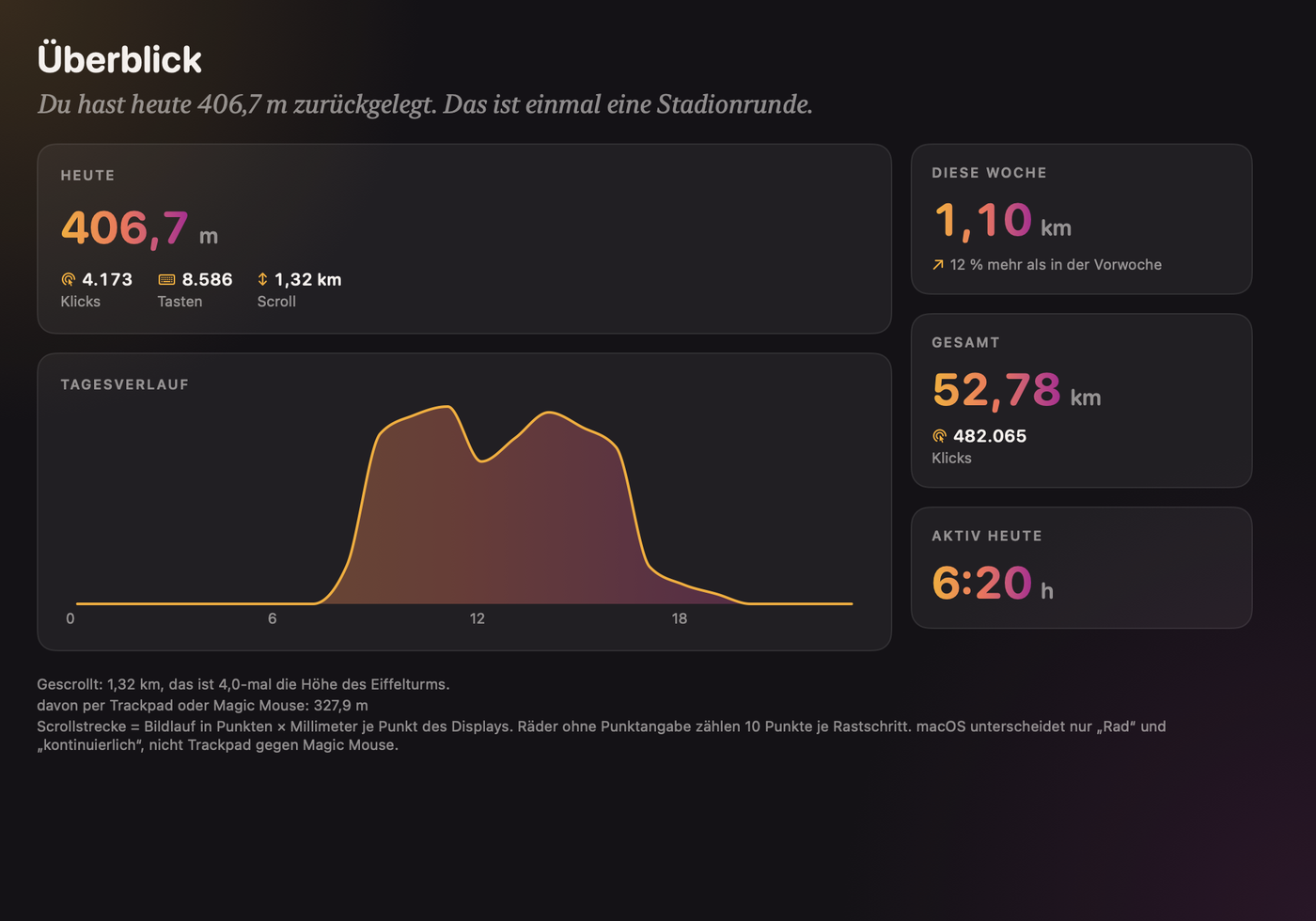
Everything you want to know about your day at the computer
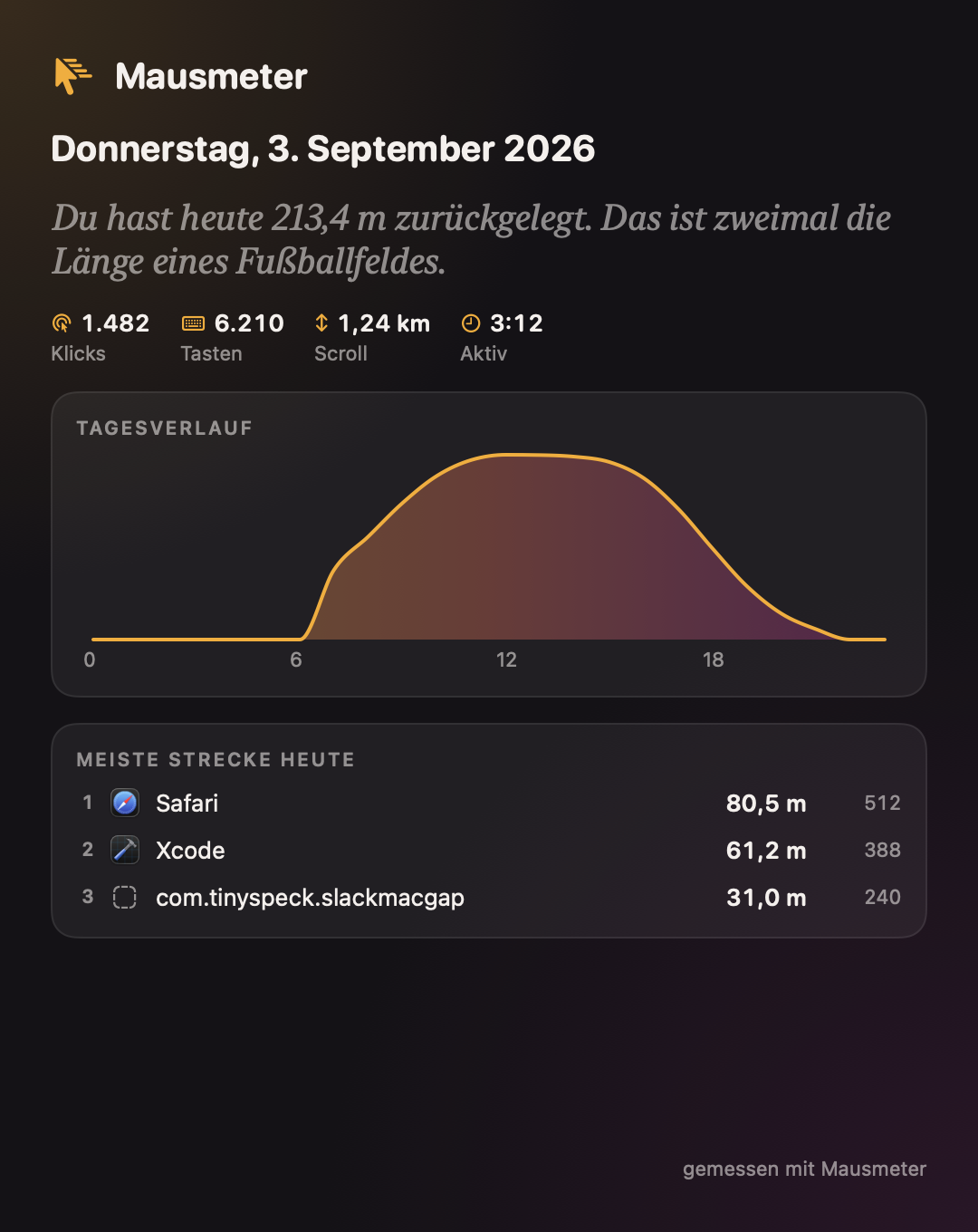
Distance in real meters
Calculated from your display size: Mausmeter converts your pointer's path into real meters, not just pixels.
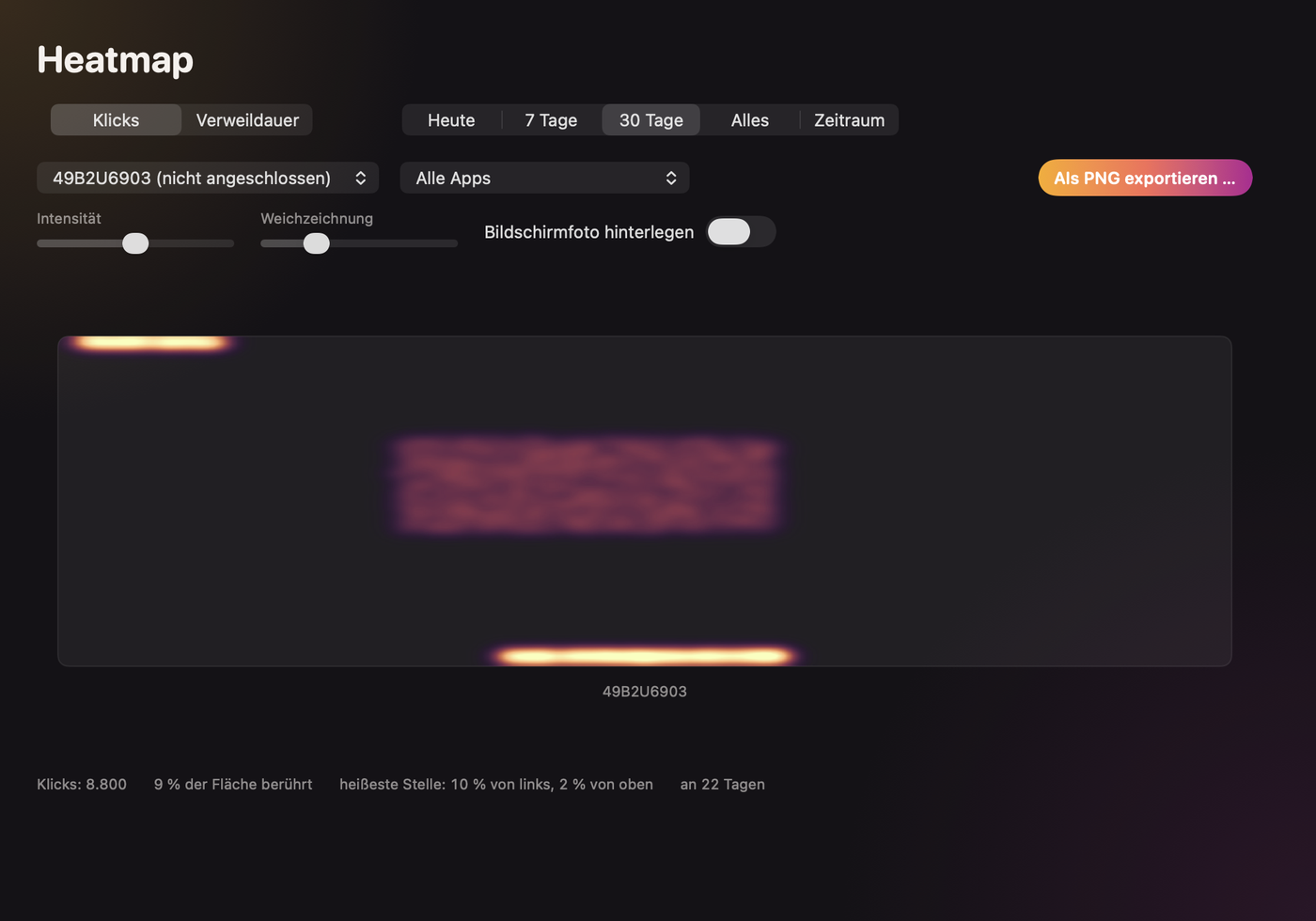
Heatmap
See where your pointer and your clicks really land on screen.
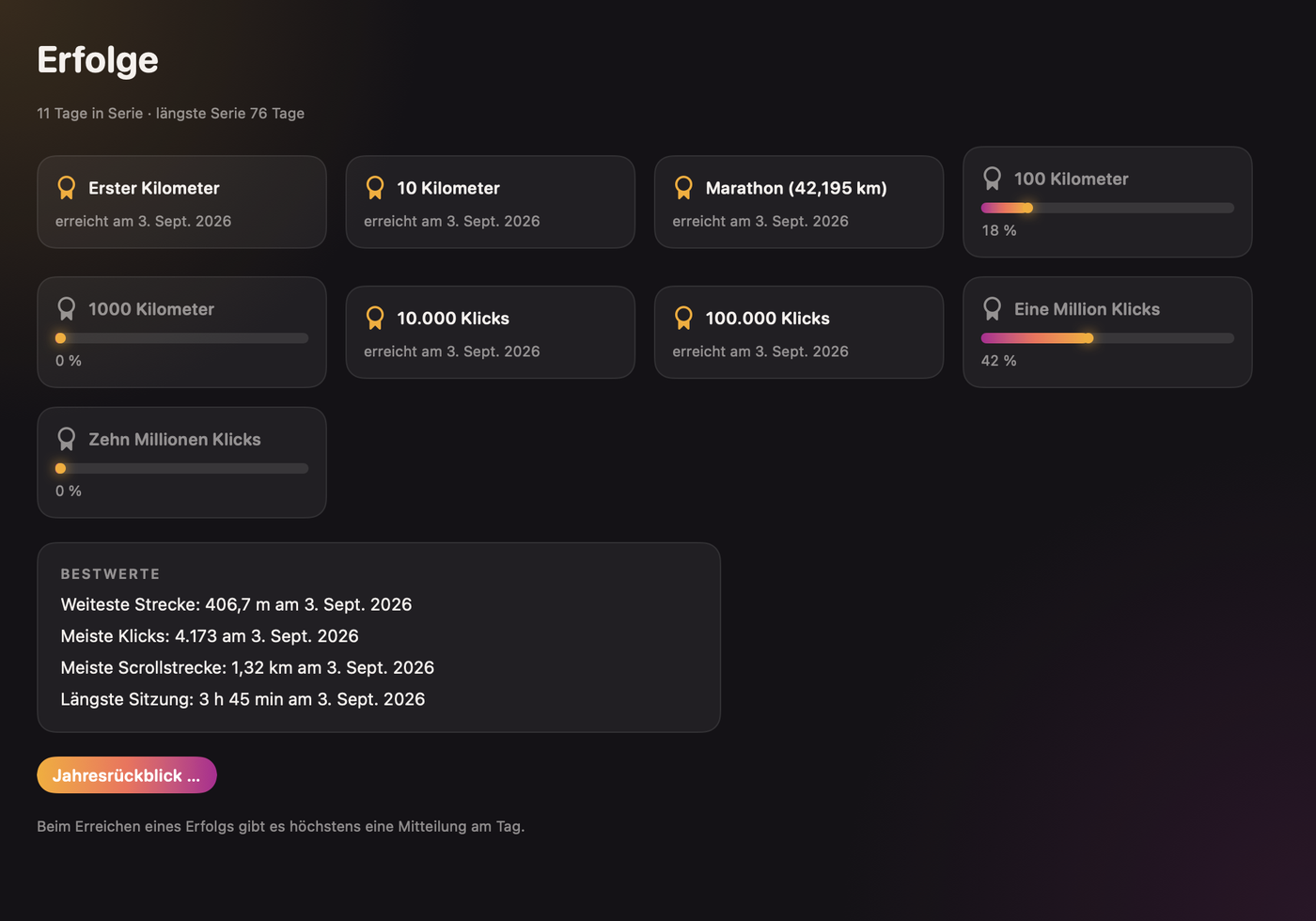
Achievements and streaks
Kilometer and click milestones as achievements, plus your days in a row: today's and the longest you've reached so far.
Ergonomics
Mausmeter tracks your work sessions and reminds you to take breaks.
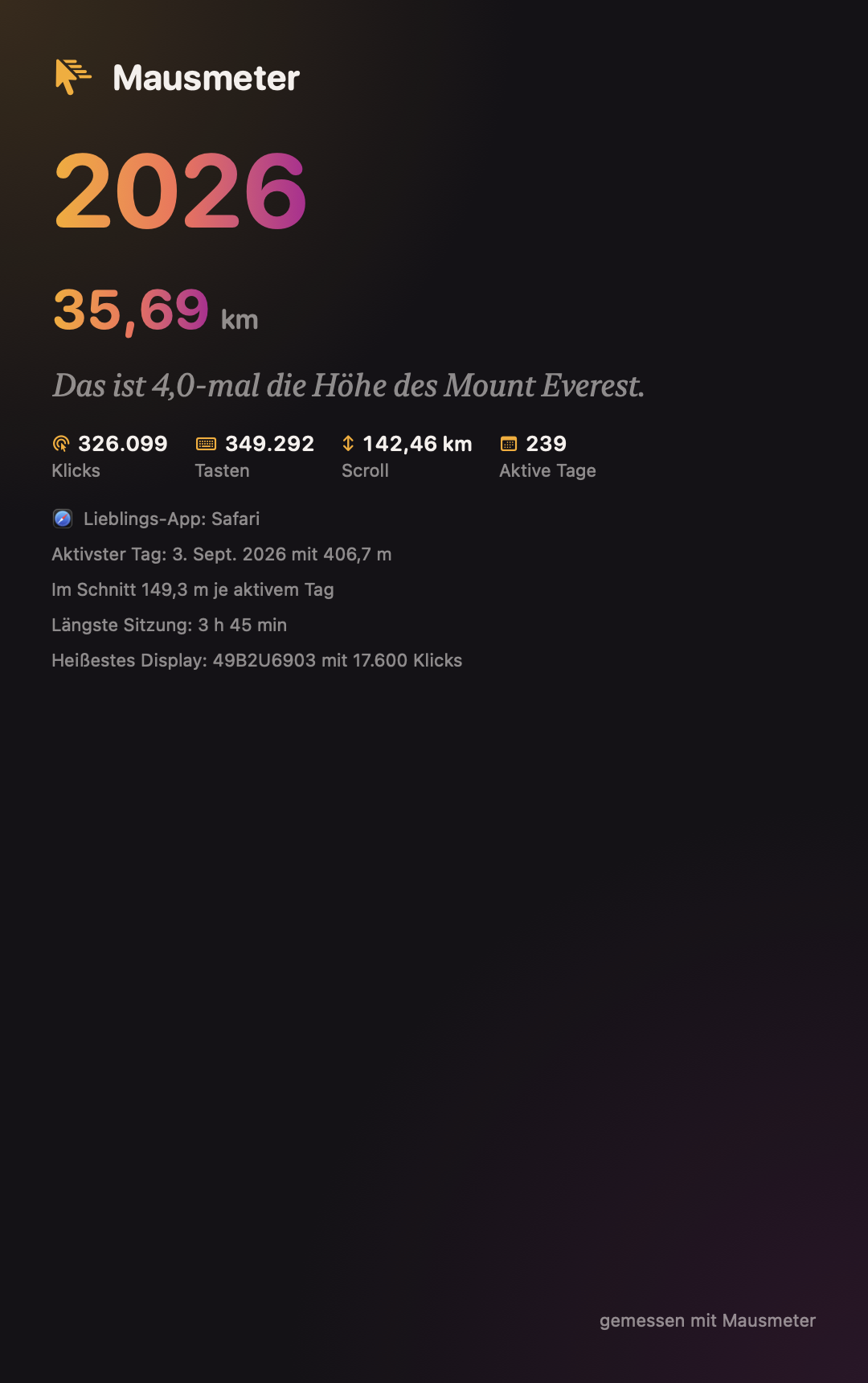
Year in review
A card with your numbers at year end: to share, or simply to keep.
Widgets
Desktop and Control Center widgets show your daily distance without opening the app.
Live menu bar
The menu bar shows your current status live: today, total or clicks, you choose the view.
Mausmeter only counts
- Mausmeter never reads key contents, window titles or screen contents. It counts, it does not read along.
- No connection to the internet, except for the optional, switchable update check.
- The database lives in your user folder, not in a cloud.
Buy once, use everywhere
- The license key arrives by email, right after purchase.
- Mausmeter checks the key offline, no activation over the internet needed.
- The key works on all your own Macs.
- Updates are included in the purchase price.
Common questions about Mausmeter
How long can I try Mausmeter?
14 days for free, with every feature unlocked. No account and no credit card needed.
What happens after the 14 days?
Everything you have collected so far stays visible. Only the counting pauses until you activate a license.
Why does Mausmeter need the Accessibility permission?
macOS only allows counting mouse movements, clicks and keystrokes with this permission. Without it, no app can technically capture these values.
Does Mausmeter run on my Mac, Intel or Apple silicon?
It requires macOS 14 or newer. We cannot say for certain whether there are differences between Intel and Apple silicon Macs, so let us know if something does not work for you.
Measure your first day
14 days for free, every feature included. If you like Mausmeter, buy the license once, for all your Macs.